
Gemini Enterprise Agent Platform Pipelines provides a set of predefined visualization types
for evaluating the result of a pipeline job (for example, Metrics,
ClassificationMetrics). However, there are many cases where custom
visualization is needed. Gemini Enterprise Agent Platform Pipelines provides two main
approaches to output custom visualization artifacts: Markdown and HTML files.
Import required dependencies
In your development environment import the required dependencies.
from kfp import dsl
from kfp.dsl import (
    Output,
    HTML,
    Markdown
)
Output HTML
To export an HTML file, define a component with the Output[HTML] artifact.
You also must write HTML content to the artifact's path. In this example you
use a string variable to represent HTML content.
@dsl.component
def html_visualization(html_artifact: Output[HTML]):
    public_url = 'https://user-images.githubusercontent.com/37026441/140434086-d9e1099b-82c7-4df8-ae25-83fda2929088.png'
    html_content = \
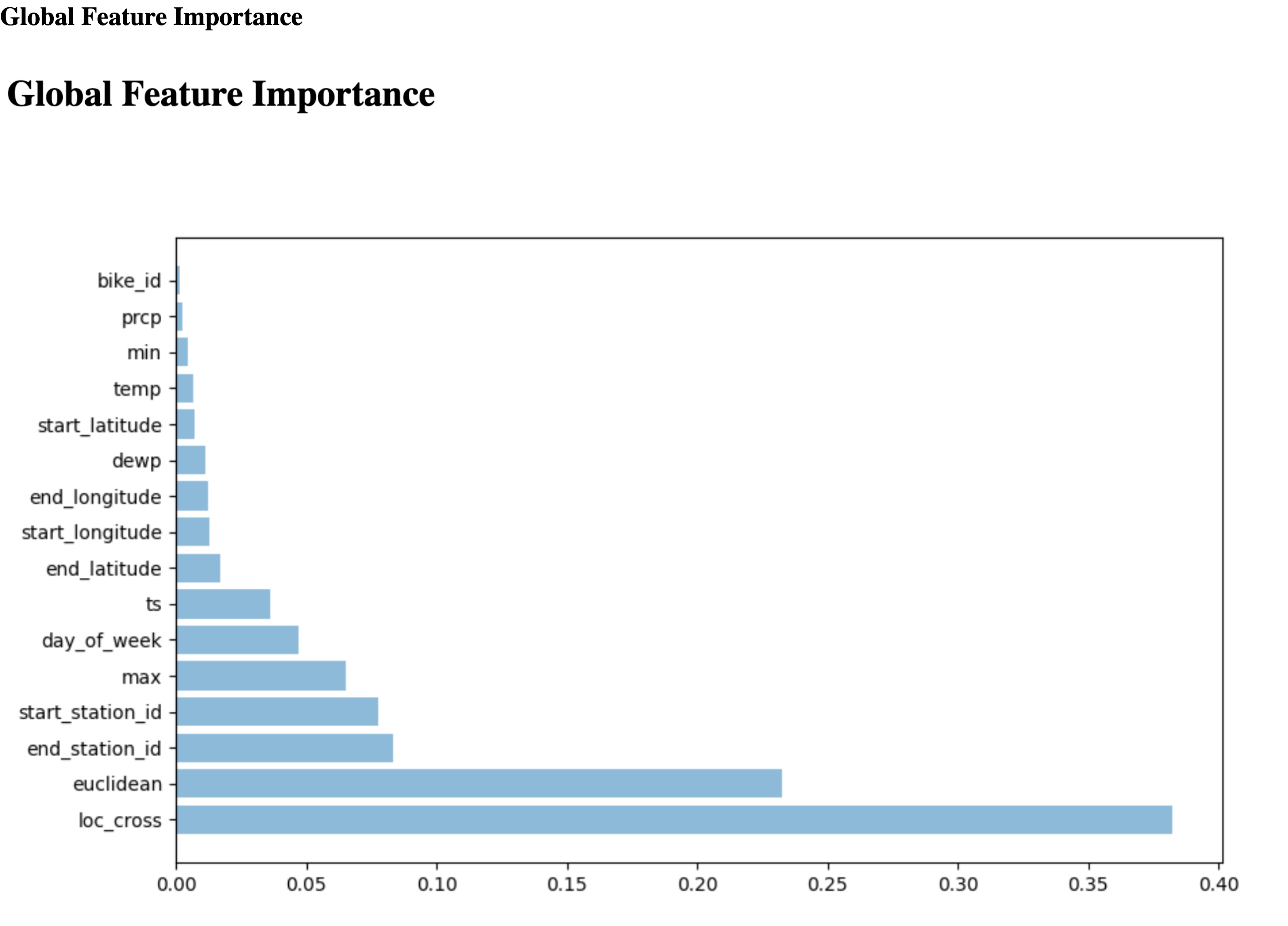
      '<html><head></head><body><h1>Global Feature Importance</h1>\n<img src="{}" width="97%"/></body></html>'.format(public_url)
    with open(html_artifact.path, 'w') as f:
        f.write(html_content)
HTML artifact in the Cloud de Confiance console:
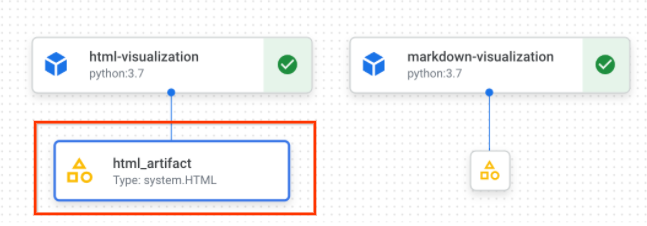
HTML artifact information in the Cloud de Confiance console:
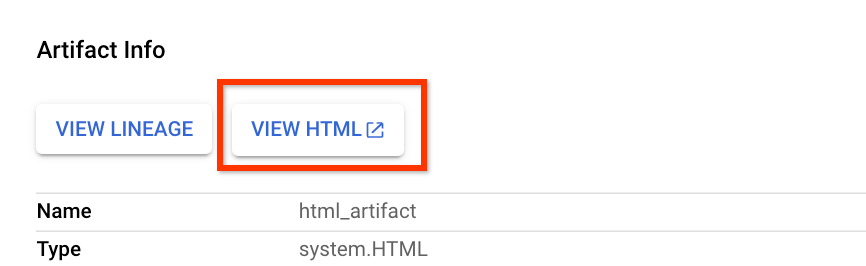
Click "View HTML" to open HTML file on a new tab
Output Markdown
To export a Markdown file, define a component with the Output[Markdown]
artifact. You also must write Markdown content to the artifact's path. In this
example you use a string variable to represent Markdown content.
@dsl.component
def markdown_visualization(markdown_artifact: Output[Markdown]):
    import urllib.request

    with urllib.request.urlopen('https://gist.githubusercontent.com/zijianjoy/a288d582e477f8021a1fcffcfd9a1803/raw/68519f72abb59152d92cf891b4719cd95c40e4b6/table_visualization.md') as table:
        markdown_content = table.read().decode('utf-8')
        with open(markdown_artifact.path, 'w') as f:
            f.write(markdown_content)
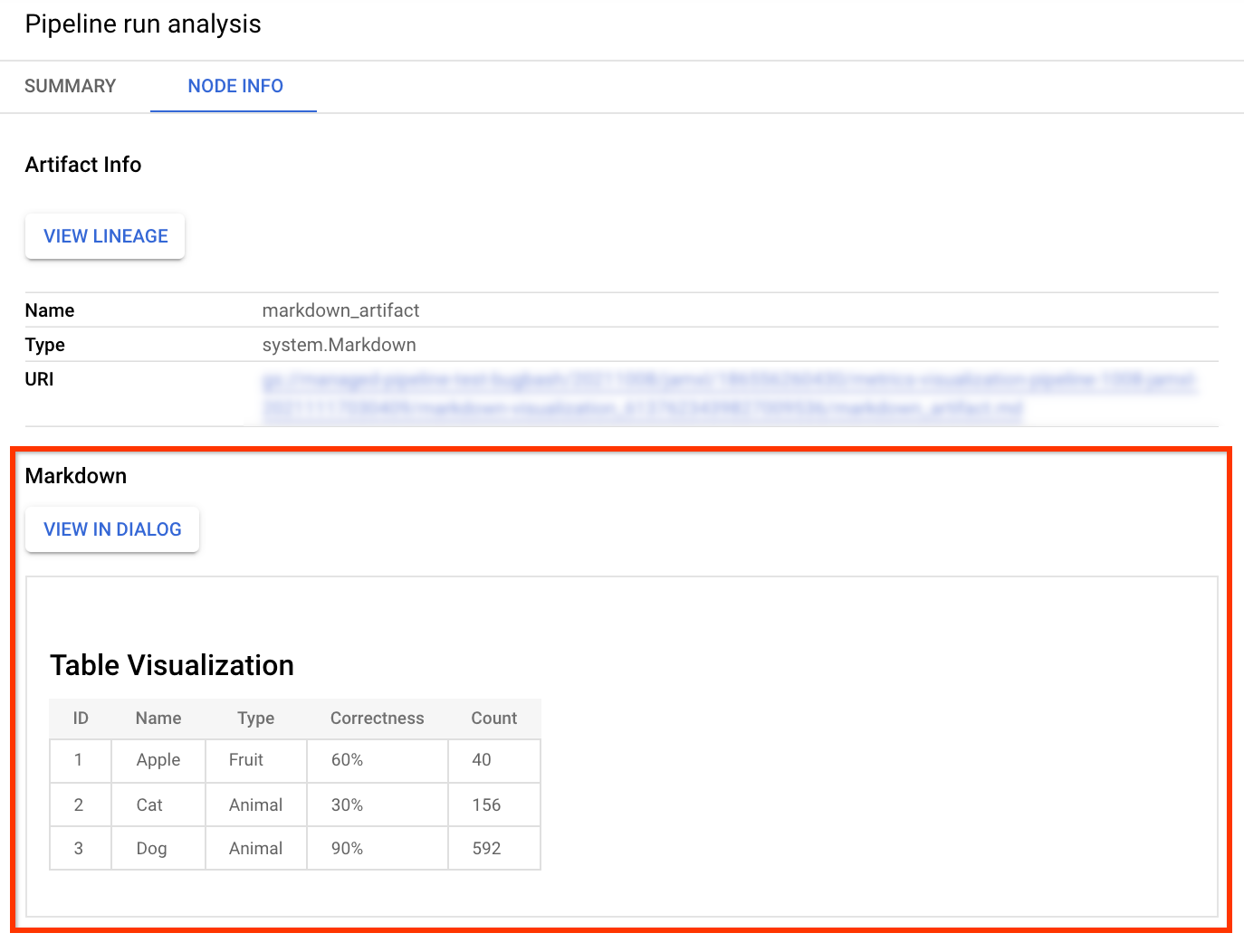
Markdown artifact in the Cloud de Confiance console:
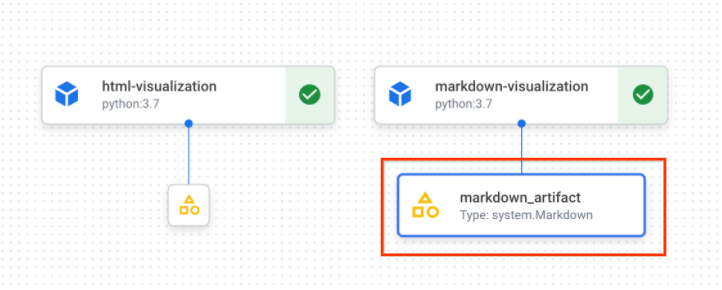
Markdown artifact information in the Cloud de Confiance console:
Create your pipeline
After you have defined your component with the HTML or Markdown artifact create and run a pipeline that use the component.
@dsl.pipeline(
    name=f'metrics-visualization-pipeline')
def metrics_visualization_pipeline():
    html_visualization_op = html_visualization()
    markdown_visualization_op = markdown_visualization()
After submitting the pipeline run, you can view the graph for this run in the Cloud de Confiance console. This graph includes the HTML and Markdown artifacts you declared in corresponding components. You can select these artifacts to view detailed visualization.